
Download Nowa Last Seen Notification – last seen notification, mobile tracker, people tracker, online presence tracker, real-time tracking, location tracking, privacy tracker, tracking tool, desktop application, Windows software, Mac software
Overview
Nowa Last Seen Notification is a free desktop utility designed to monitor the online presence of individuals through last seen status updates. Developed by watrck and yakup gumus, the software operates as a desktop application for both Windows and Mac, offering users a way to receive alerts when specific contacts appear online or go offline. The tool is positioned as a straightforward solution for tracking digital availability, particularly useful for individuals who need to stay informed about the real-time status of others. Its primary function centers on sending notifications based on last seen activity, enabling users to manage communication timing more effectively. While the software does not specify its exact use cases beyond general tracking, it appears tailored for personal or informal use, such as staying in touch with friends, family, or remote team members. The application’s interface is described as intuitive, suggesting it is accessible to non-technical users. However, no details were provided on whether the software requires the tracked individual’s consent or integration with third-party platforms. The developer did not disclose additional context about the product’s development background or long-term roadmap. Given its free pricing model and focus on simplicity, Nowa Last Seen Notification appears aimed at consumers seeking a lightweight tool for monitoring online availability without complex setup.Key Features & Capabilities
- Last Seen Notifications – The core functionality allows users to receive real-time alerts when a tracked contact is last seen online, helping to anticipate availability for communication.
- Customizable Alert Timing – Users can define specific time ranges for notifications, enabling targeted alerts during preferred hours of interaction.
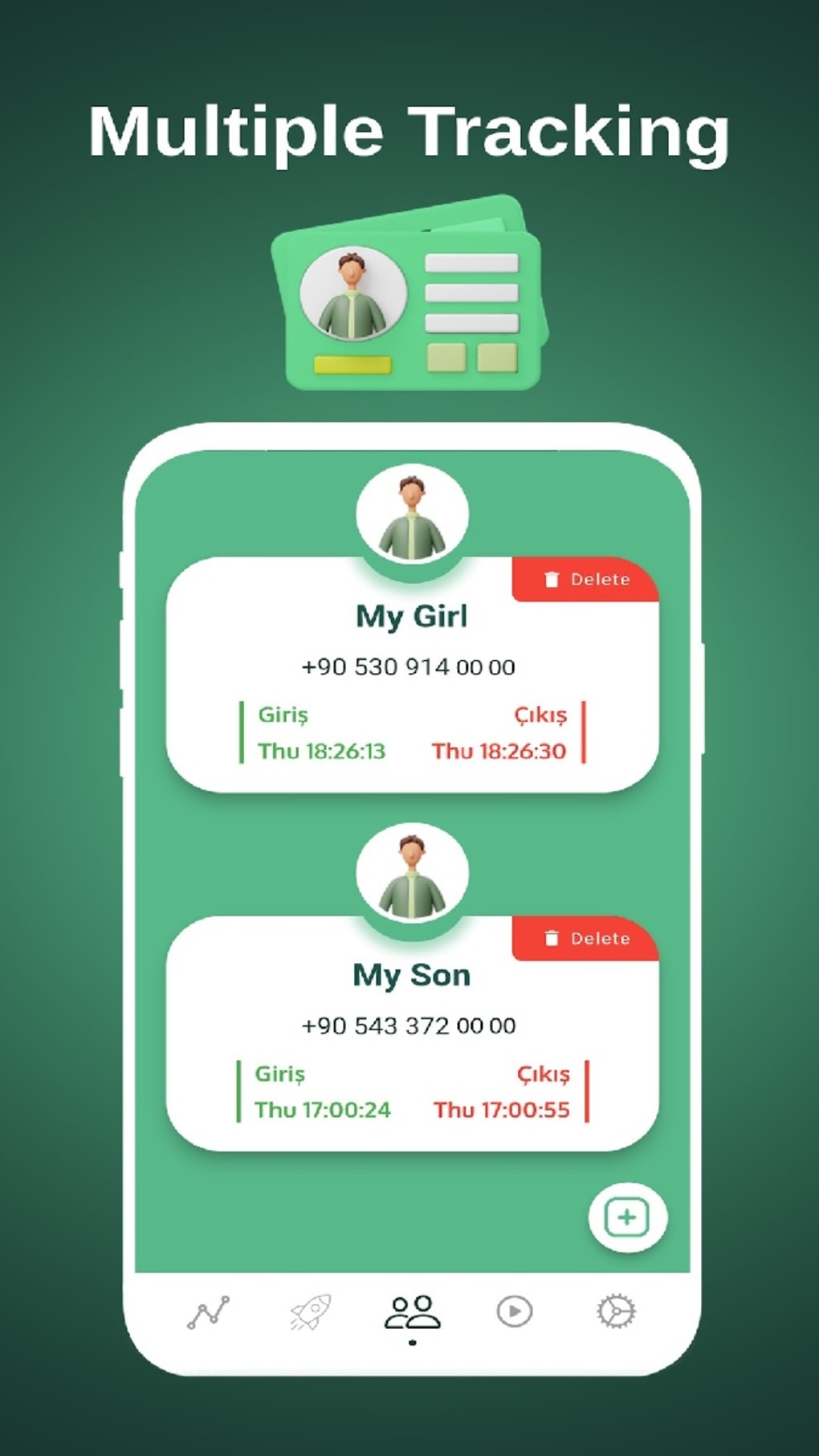
- Contact Organization via Tags and Labels – The software supports categorization of tracked individuals using custom tags, improving manageability for users tracking multiple contacts.
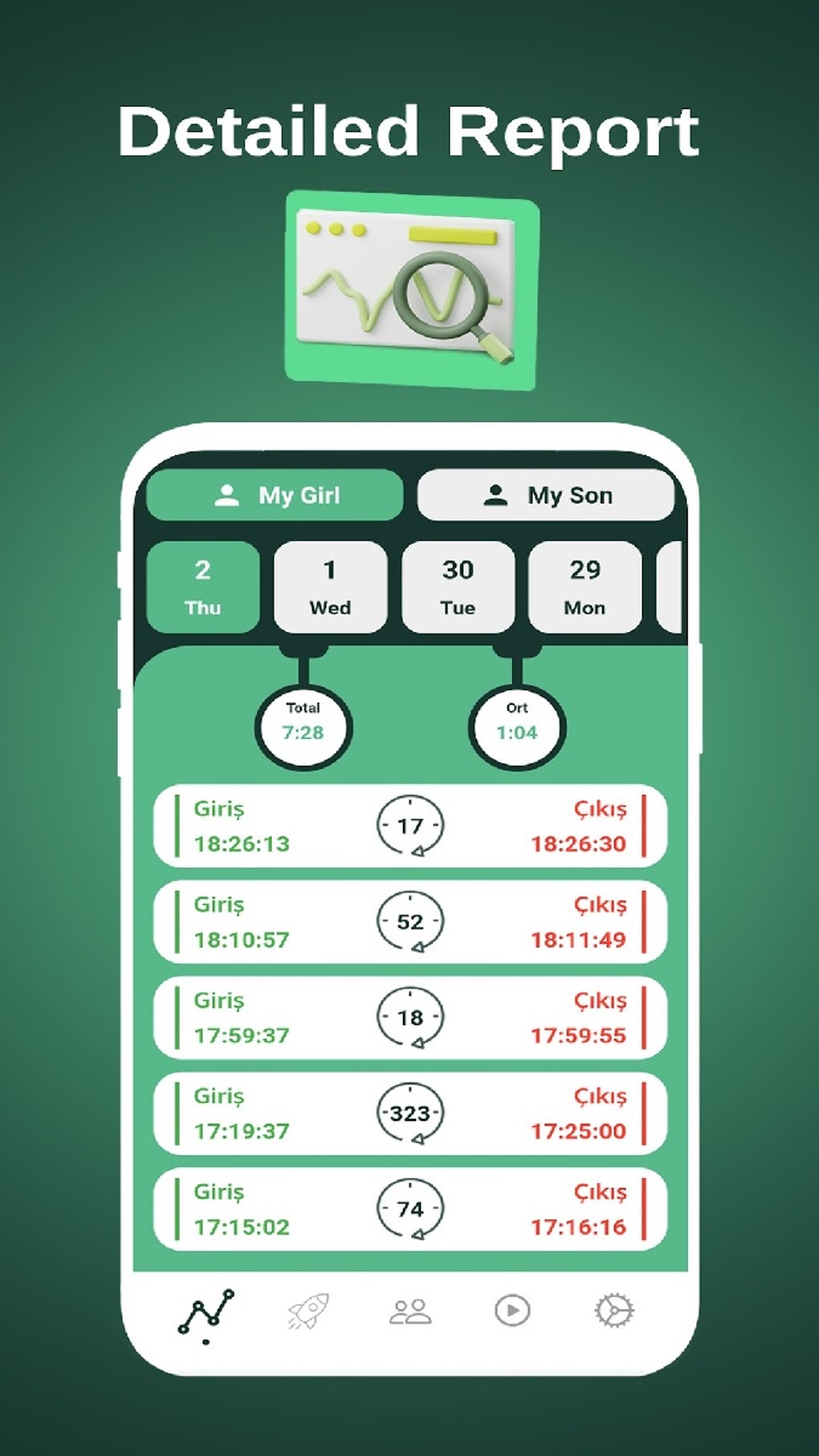
- Activity Tracking and Graphs – Users can view visual representations of contact activity patterns, potentially identifying trends in online behavior over time.
- End-to-End Encryption – The developer claims that all communications within the application are secured using end-to-end encryption, ensuring data privacy during transmission.
User Interface, Workflow & Performance
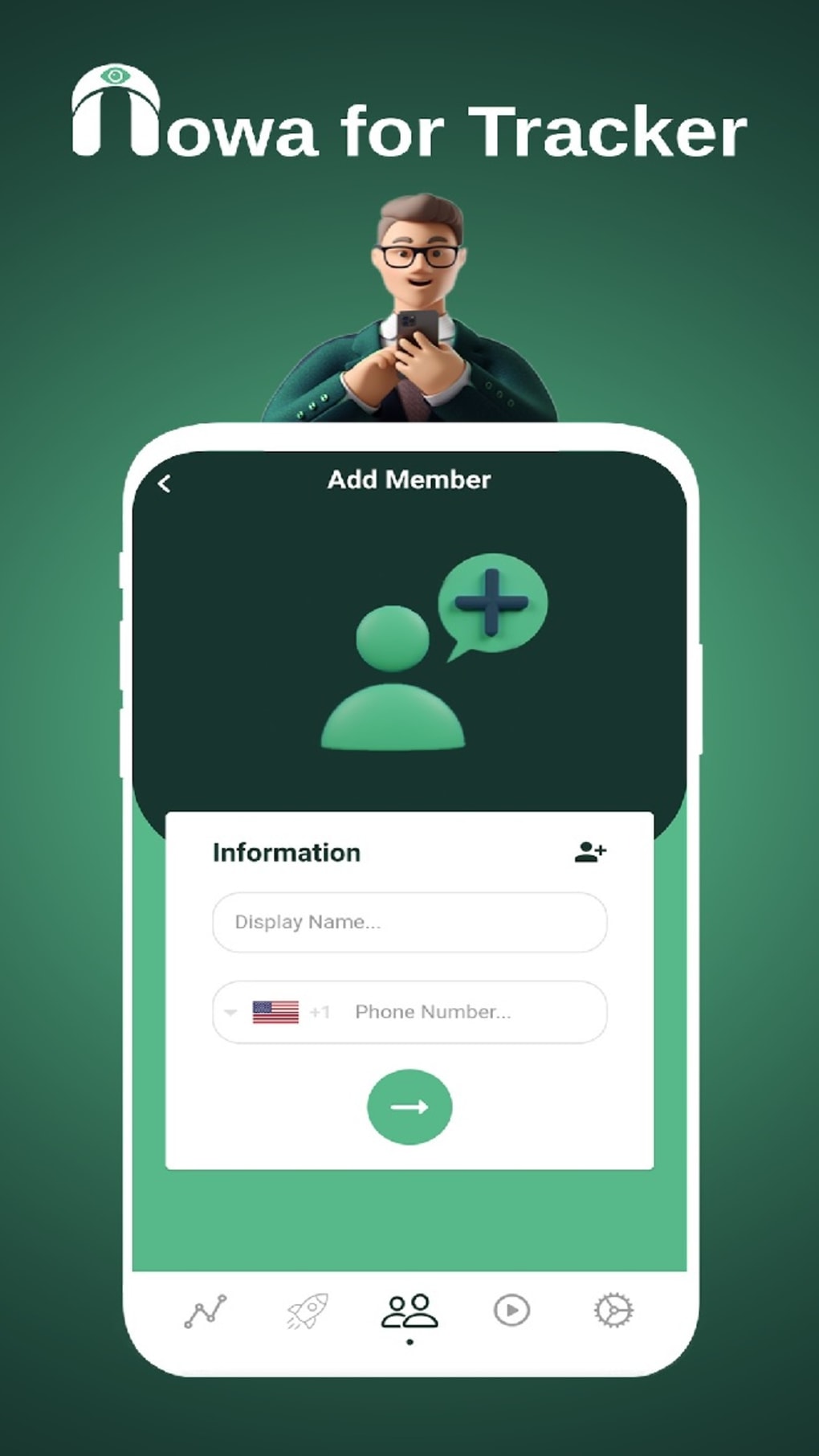
The application features an intuitive interface designed to simplify the management of tracking settings and notifications. Navigation appears to be structured around a central dashboard where users can view active contacts, configure alerts, and access analytics. The workflow emphasizes ease of use, with straightforward steps for adding contacts, setting notification rules, and applying tags. Users are expected to manage their tracking list through a clean, visual layout, though specific UI elements such as menus, panels, or shortcuts were not detailed. Performance observations are based on general software behavior patterns. The application is reported to be lightweight, with a file size of 25.4 MB, suggesting minimal impact on system resources. However, the developer did not specify resource usage details such as CPU or RAM consumption. Stability during extended use was not confirmed. No information was provided on update frequency, background processes, or potential conflicts with other applications. The lack of detailed performance data means users should monitor the software’s behavior during actual use. Overall, the design prioritizes clarity and accessibility, aligning with its target audience of non-technical users seeking a simple tracking solution.Compatibility & System Requirements
Nowa Last Seen Notification is compatible with both Windows and Mac operating systems, supporting desktop environments across these platforms. The software version is 1.2.0, with a download size of 25.4 MB. The developer did not specify exact system requirements, including minimum processor speed, RAM, or storage needs. As such, users should ensure their devices meet general desktop software standards for running modern applications. Compatibility information was partially provided, but no details were given on supported Windows versions (e.g., 10, 11) or Mac OS versions (e.g., Monterey, Ventura). Installation is straightforward, but the absence of a detailed requirements list means users may need to test the software on their system to confirm functionality. The developer did not indicate whether the application requires an internet connection or specific network permissions. Given the nature of real-time tracking, an active connection is likely required, but this was not confirmed.Pros and Cons
Pros
- Free to use with no hidden costs
- Available for both Windows and Mac platforms
- Intuitive interface suitable for non-technical users
- Customizable notification settings with time-range options
- Supports tagging and labeling for contact organization
- End-to-end encryption claimed for secure communications
Cons
- No detailed system requirements provided
- Activity analytics scope and depth are unspecified
- Managing multiple contacts may be challenging without advanced sorting features
- Learning curve may exist due to limited onboarding guidance
- Developer did not clarify if tracked individuals must consent or be part of a shared network
FAQ Section
Is Nowa Last Seen Notification compatible with Windows and Mac?
Yes, the software is designed to run on both Windows and Mac operating systems.
Is the software free to download and use?
Yes, Nowa Last Seen Notification is available at no cost to users.
Does the application require an internet connection?
While not explicitly stated, real-time tracking features suggest an active internet connection is required for full functionality.
Is the software secure?
The developer claims the application uses end-to-end encryption for communications. However, no independent verification or audit details were provided.
Can I track multiple people at once?
Yes, the software supports tracking multiple contacts, though users may face challenges in managing a large number due to limited sorting or filtering options.





.png)

